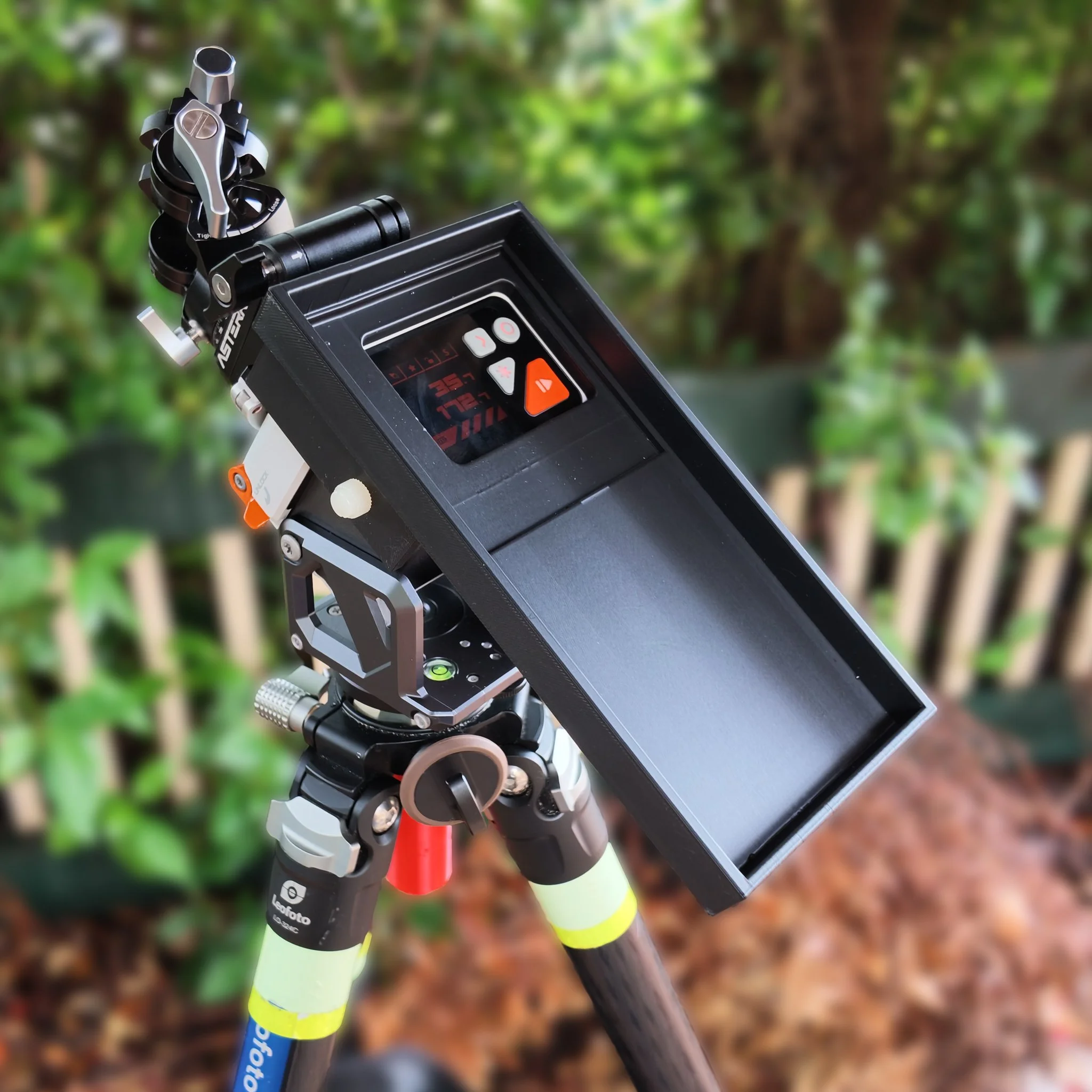
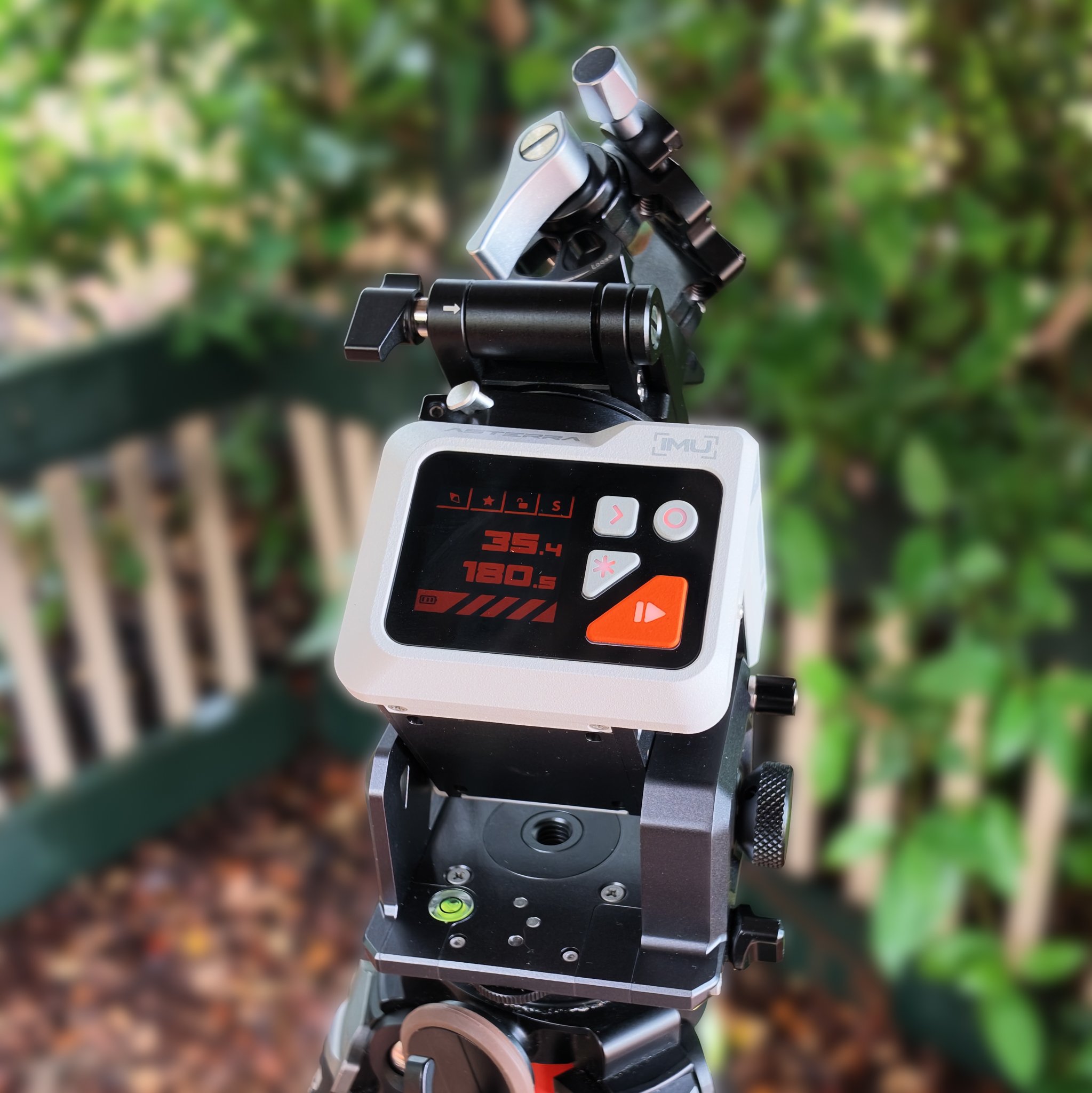
At first glance a phone holder for the Asterra star tracker to do polar alignment would seem to be a little redundant. One of the main features of the unit is the built in compass and inclinometer to actually do the polar alignment without resorting to extra equipment. However, the built-in components can only get you to a certain accuracy and don’t compensate for things like magnetic declination or external magnetic interference. Asterra’s own website suggests that the optimum you can hope for using just the inbuilt compass and a 50mm lens is a 25 second exposure (when using a 20mm lens they claim 60 sec exposures which matches my experience as long as I adjusted for magnetic declination). Many people buy a tracker to allow much longer exposures to get more depth of colour and detail in images with less noise. If you use the laser to align with Polaris or combine it with the PlanIt Pro app for single star alignment you can get much better exposures, but using a laser in this way is not allowed in many place including Australia and we don’t have a nice pole star anyway.
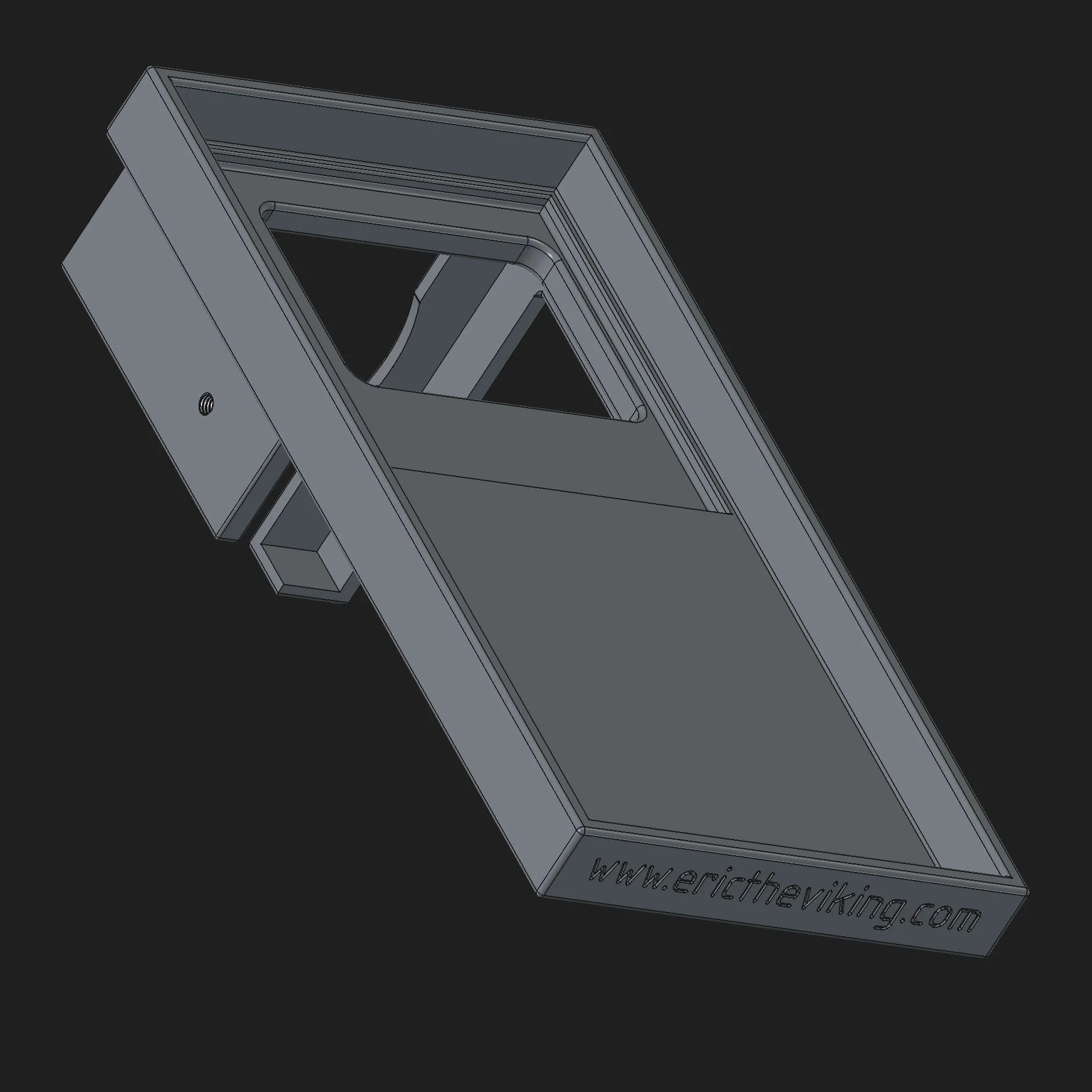
In recent times I have been using the Polar Scope Align Pro app and its single star alignment with other trackers to get good 5 minute tracks with a 50mm lens (focal length matters, check my earlier blog on how good your phone alignment needs to be). To do this you need to be able to mount your phone in a precise manner on your tracker. I wanted to be able to do the same thing on my Asterra so, as is no surprise I am sure, I developed a 3d-printed bracket, the files to print it are available for free below.
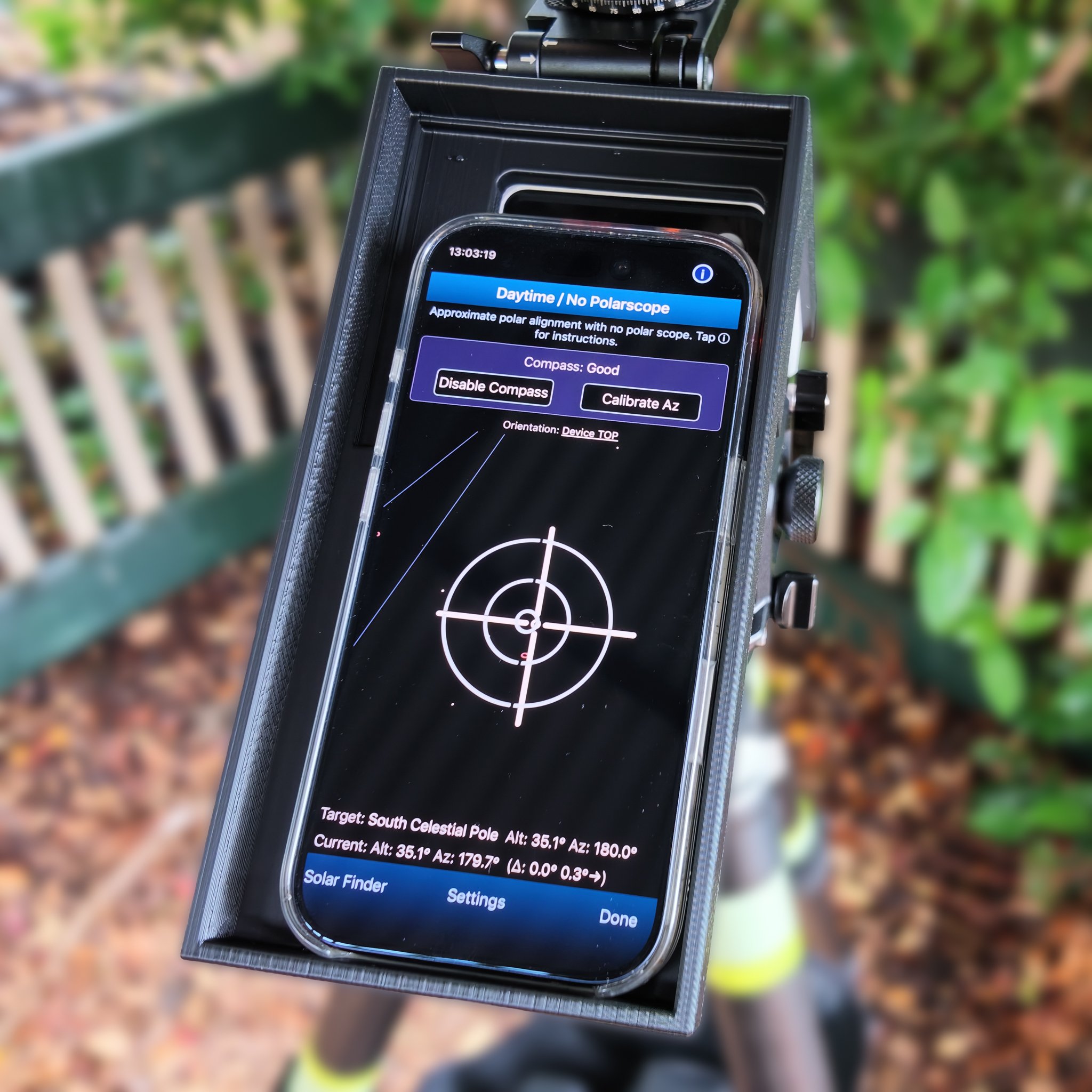
Using the phone holder, Polar Scope Align Pro, single star calibration and my iPhone 17pro I had no problems getting 5 minute tracks with a 50mm lens. This is more than enough for any landscape astrophotography I am likely to do.
Is this accessory absolutely necessary to use the Asterra tracker, of course not. Can it make it more accurate in places where the use of lasers is not allowed, absolutely. Should you use it, well that is simply up to you. 😎 I have absolutely no links to Asterra at all and bought my copy of the tracker with my own money.
As is usually the case for these kind of projects I am making the 3d-printer files available for free to download below. However there are a few warnings I need to give as with all my 3d print projects.
This version of the bracket is designed to hold a phone up to 183mm x 82mm which is fine for most phones out there (I use a iPhone 17pro). Check your phone size before priniting and if you have a bigger phone let me know and I will see what I can do.
It optionally uses a M4×10mm nylon thumb screw (I just buy them from Amazon) to hold the bracket in place on the tracker (it seems to be ok without it). The quality of 3-d printed threads varies depending on the printer so to ensure a smooth fit it is worth running a M4 tap through the hole before trying to insert the nylon thumbscrew. If you don’t have a M4 tap then just screwing in any metal M4 bolt should do the job as well.
I am not after any payment for this design, just sharing it with like minded people in case it is useful. I would love it if you gave me a follow on instagram / Facebook and subscribe to my YouTube channel in return. If you want to show me you appreciate my efforts buy me a coffee here. I really do appreciate the support. But I do ask that you do not pass it on, sell copies or upload the design to any sites for further distribution without express permission. If you know anyone interested just point them at this website. If you are keen to distribute it in countries outside of Australia get in touch.
I will be updating the design as things occur to me so check on this blog occasionally.
When printing, make sure you use supports. I generally print things in PLA, with a wall thickness of 2 and 15% infil using a gyroid patern. I tend to print it with the side with the long arm sitting down on the printer bed.
Finally, get out, look at the universe, take some photos and have fun. It really is worth it.
You can download the STL file to print the bracket at this link. You can download the .3MH file for use with Bambu printers here. If the link looks like it is broken, it is probably something to do with how you got to the site, Facebook links seem to wreak havoc with this sort of thing. Just navigate directly to my site in your browser and it should be fine.